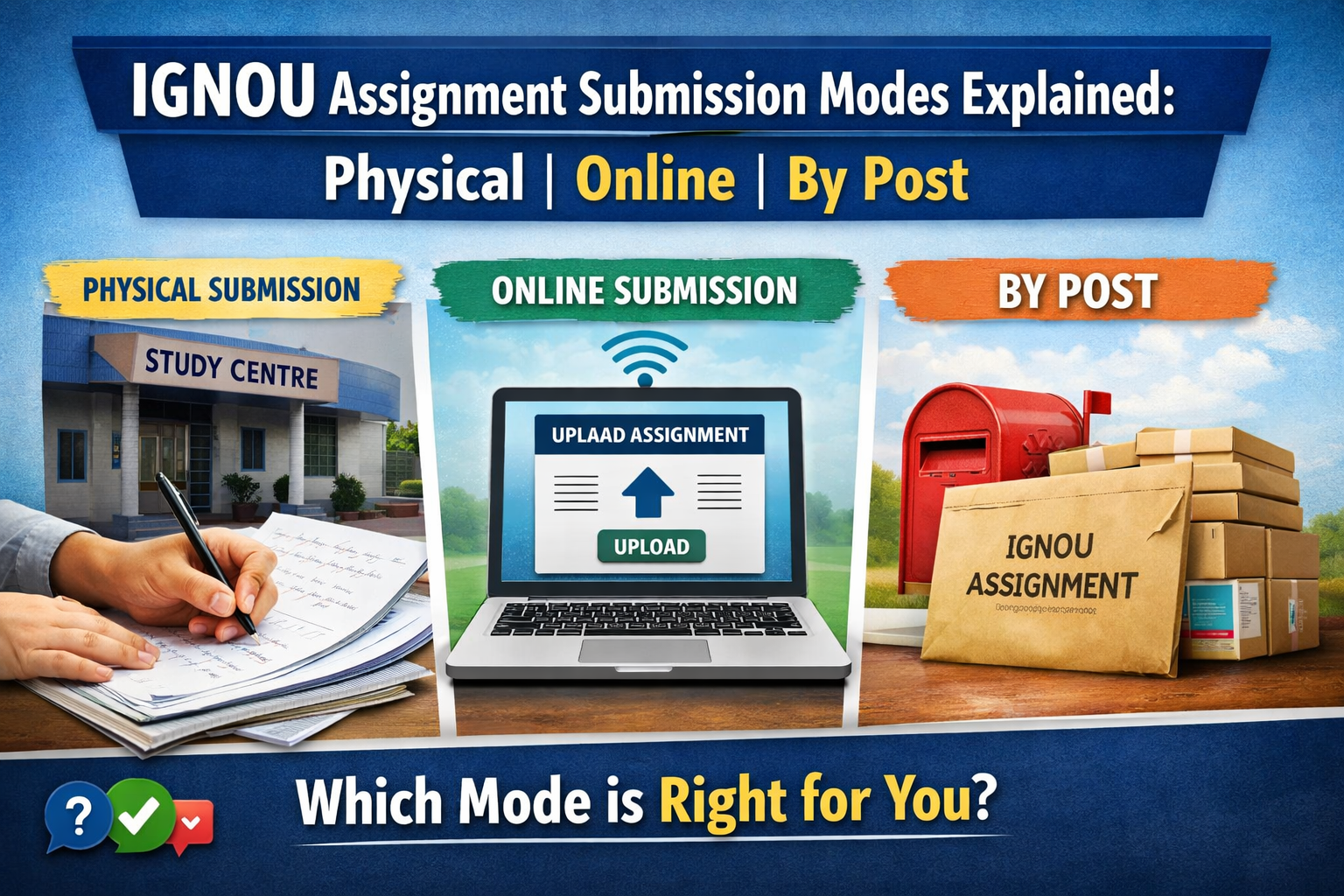
IGNOU Assignment Submission Modes Explained: Physical, Online, and By Post
One of the most common doubts among IGNOU students is about assignment submission mode. Many learners keep asking the same questions. Should the assignment be submitted physically? Can it be submitted online? Is submission by post allowed? Can students choose any one mode on their own?
The confusion is understandable because IGNOU is a very large university, and the submission process is not always exactly the same for every student. In some cases, students submit assignments physically at their Study Centre. In some cases, online submission links are provided. In some cases, postal submission may also be accepted. But the most important thing to understand is this: students should not assume the mode on their own. They should follow the instruction given for their programme, Study Centre, Regional Centre, and current session.
In this article, we will understand all three assignment submission modes in a simple way. We will also look at the practical rules students should follow and answer the most common FAQs related to this topic.
First, Understand One Important Rule
Before talking about physical, online, and postal submission, students should understand one basic rule. IGNOU assignments are usually linked to the allotted Study Centre or Learner Support Centre. So the assignment should normally go to the correct centre attached to your admission and programme. It should not be sent randomly to any centre or any email address just because it looks official.
This is important because the Study Centre is usually the first point where assignment handling, evaluation coordination, and forwarding begin. If the assignment goes to the wrong place, delay or rejection can happen.
Mode 1: Physical Submission
Physical submission is the most familiar and traditional mode for many IGNOU students, especially in ODL programmes. In this method, the student prepares the handwritten assignment, arranges the pages properly, adds the required details on the front page, and submits it at the allotted Study Centre or Learner Support Centre.
For many regular ODL learners, this is still the default method unless some other mode is specifically announced. Physical submission usually feels safer to students because they can submit directly and try to collect an acknowledgment or proof. It also reduces confusion about whether the file upload worked correctly or not.
If your Study Centre is accepting physical assignments, you should write the assignment neatly in your own handwriting, keep the pages in order, attach the correct cover details, and submit it within the announced date and timing. It is always wise to keep a photocopy or scanned copy for your own record before submission.
Mode 2: Online Submission
Online submission is another mode used in IGNOU, but students should understand that it is not applied in the exact same way for everyone. In some cases, online submission is made through the official LMS portal. In some cases, specific Regional Centres or Study Centres may issue online instructions, links, or other digital submission arrangements for their learners.
For students enrolled in online programmes, the rule can be much stricter. In such cases, assignments may be required on the LMS portal only. That means these learners should not submit the same assignment physically unless a specific official instruction says otherwise.
For ODL students, online submission may sometimes be allowed if their Regional Centre or Study Centre has officially announced that facility. But students should not assume that every ODL student can simply email or upload assignments anywhere. The correct online mode depends on the current official instruction for that particular centre and session.
Mode 3: Submission By Post
Submission by post is another mode that students often ask about. The practical answer is this: in some cases, yes, assignments may be sent by post to the Study Centre, but students should treat this as a centre-specific or instruction-specific option, not as a universal rule for all IGNOU students everywhere.
Some official IGNOU Regional Centre FAQs clearly say that students may submit assignments in person at the Study Centre or send them through post, speed post, courier, or through another person. This shows that postal submission can be accepted in practice in some places. But the safe rule is still the same: always confirm whether your own Study Centre or Regional Centre is allowing postal submission for your session before sending anything.
If postal submission is allowed, students should pack the assignment carefully, write the correct details clearly, keep proof of dispatch, and preferably use a trackable service such as speed post or another reliable delivery method. Never send the assignment casually without keeping evidence.
Can Students Freely Choose Any Mode?
No, students should not think of assignment submission like a personal preference choice. The correct mode is not decided by what feels easiest. It is decided by the applicable IGNOU instruction for the learner’s programme, mode, Study Centre, and current session.
For example, an online programme learner may have to use LMS only. An ODL learner may be required to submit at the Study Centre physically. Another ODL learner may be given an online link by the Study Centre. Someone else may be told to send the handwritten copy by post. So the safest rule is simple: always follow the latest official instruction that applies to your own case.
Very Important Mistakes to Avoid
Many assignment problems happen not because the student did not complete the work, but because the student submitted it in the wrong way. That is why it is important to avoid a few common mistakes.
Do not send assignments to random IGNOU email addresses. Do not send them to the Regional Centre email unless that exact email is officially announced for assignment submission. Do not submit the same assignment again and again in multiple places without instruction. Do not assume that online submission is open for everyone. Do not ignore the correct Study Centre code, course code, enrolment number, and session details.
Also, students should remember that assignments are generally expected to be handwritten in the normal IGNOU format unless the relevant programme or official instruction says something different. Typed copies may create problems where handwritten submission is required.
Best Practical Method for Students
If you want the safest approach, follow this order. First, check your programme guide or assignment booklet. Second, check the notice of your Regional Centre and Study Centre for the current session. Third, verify whether your mode is ODL or Online. Fourth, submit only through the mode clearly allowed for your case. Fifth, keep proof safely.
This simple habit can save students from many future problems such as missing status, delayed marks, or assignment rejection.
FAQ: Common Student Questions About Assignment Submission Modes
1. Is physical submission compulsory for every IGNOU student?
No, not for every student. For many ODL learners, physical submission at the Study Centre is the common method. But some students may be given online submission instructions, and online programme learners may have LMS-based submission rules.
2. Can I submit my assignment online by email?
Only if your Study Centre or Regional Centre has officially allowed that method for your session. Students should not send assignments to any email address without checking the proper official instruction.
3. Can I send my IGNOU assignment by post?
In some cases, yes. Some official IGNOU centre FAQs mention postal submission to the Study Centre. But this should still be confirmed from your own Study Centre or Regional Centre before sending it.
4. Can I submit to the Regional Centre instead of the Study Centre?
Normally, students should follow the instruction linked to their allotted Study Centre or the officially notified submission route. Many centre notices clearly say not to send assignments casually to the Regional Centre email.
5. Are typed assignments allowed?
In many regular IGNOU assignment booklets, handwritten submission is expected. So unless your specific programme or official instruction says otherwise, students should prepare assignments by hand.
6. Should I keep proof of submission?
Yes, always. Whether you submit physically, online, or by post, keep proof. This can be a receipt, stamped acknowledgement, screenshot, email confirmation, courier slip, tracking number, or scanned copy of the full assignment.
7. Can I submit the same assignment in more than one mode just to be safe?
No, students should avoid duplicate submission unless an official instruction says so. Sending the same assignment multiple times in different places can create confusion.
8. What should I do if I am still confused about the correct mode?
If you are confused, check your Study Centre notice, Regional Centre website, and programme instructions first. If the doubt still remains, contact the proper centre before submitting. It is better to confirm once than to submit wrongly.
Final Thoughts
IGNOU assignment submission is not difficult, but it becomes confusing when students assume the mode without checking the official instruction. Physical submission, online submission, and submission by post can all exist in the IGNOU system, but they do not apply in the same way to every learner.
The smartest rule is very simple: follow the instruction that applies to your own programme, Study Centre, Regional Centre, and current session. If you do that and keep proof safely, you can avoid many unnecessary problems later.